GPS Tracking & Timesheet Review
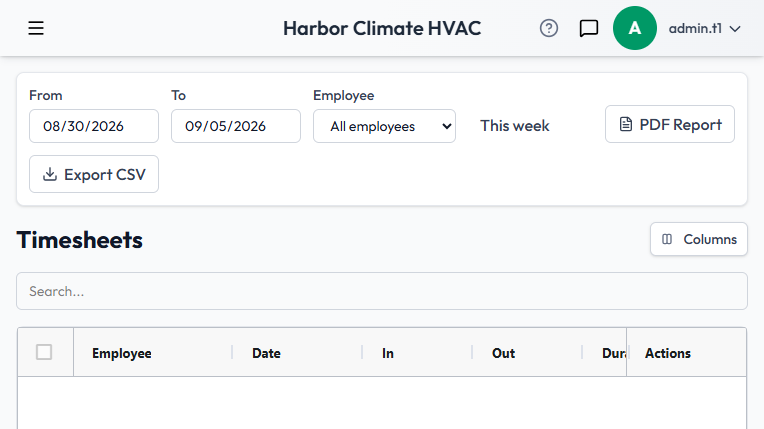
Timesheets are visible to admins under Timesheets, showing hours for the whole team.
Recent locations
Each user's Edit User page includes a recent-locations table, showing their most recent GPS pings from active shifts. Location sampling is foreground-only and only happens while clocked in — a gap in pings during a shift is normal (the app isn't always in the foreground), not something to flag as a problem.
Location history is retained for one hour and then automatically cleared. This is a deliberate, disclosed limit — not a bug — and applies on every read as well as on a background sweep.
Payroll-ready PDF reports
Generate a Timesheets PDF for a date range, subtotaled per employee with a grand total, and preview it before downloading — the same preview-then-download pattern used for other reports in the app. If any shift in the report is still open (not yet clocked out), the PDF calls that out explicitly, since those hours are still increasing at the moment the report was generated.
Access
Timesheets access is admin-only.