Route Optimization
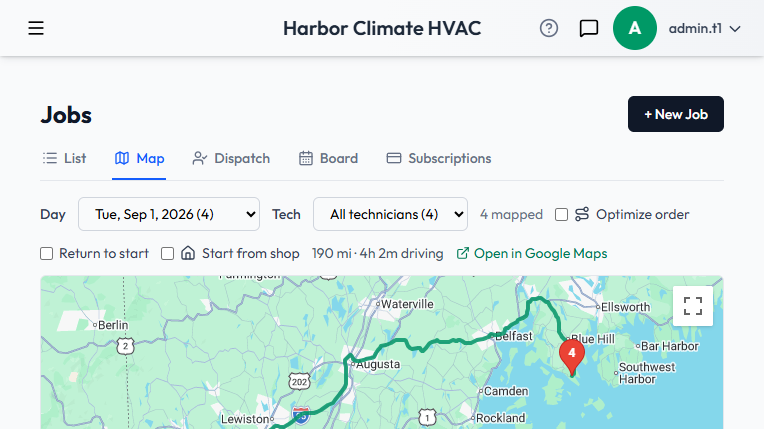
The Jobs day-map can order a day's visits into an efficient driving route, starting from your shop.
Setting your shop's location
Route optimization needs a starting point. Once your company address is set (see Company Profile & Branding), it's geocoded automatically and used as the fixed origin for the day's route — the map won't just start from whichever job happens to be first on the list.
Using it
On the Jobs day-map, select a day to see that day's visits plotted. Route optimization reorders the stops into an efficient sequence from your shop through the day's jobs. You can filter the map to a specific technician using the Users filter.
Dispatch board view
The same day's visits can also be viewed grouped by person on the Dispatch board, alongside skill-based technician suggestions — see Skill-Based Dispatch.