Messages
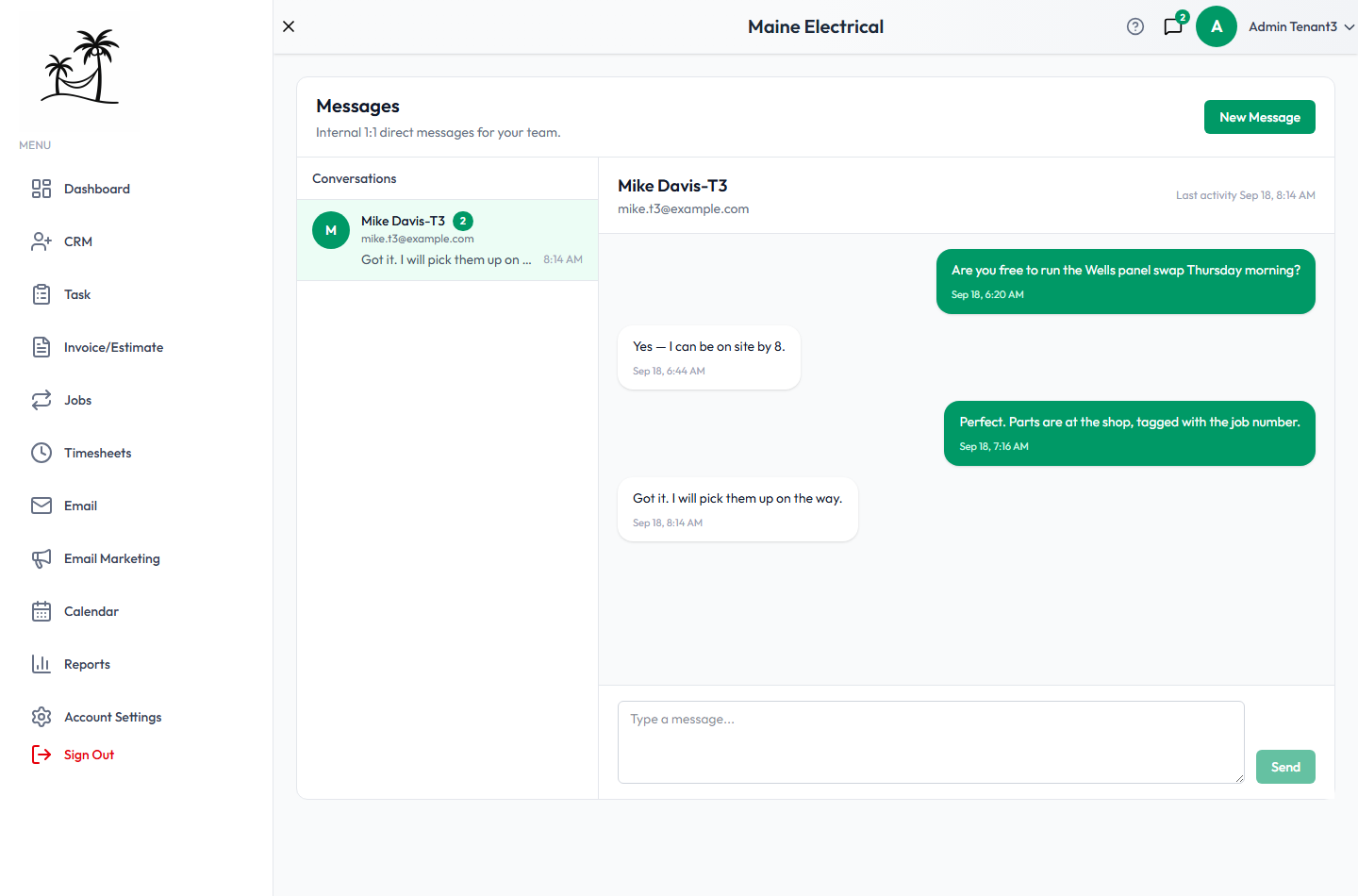
Messages is internal chat between you and the other people on your account. Nothing here is ever seen by a lead or a client. Think of it as a quick way to say "can you call this customer back" without leaving Tropical Hill to text a coworker.
To message a customer, use the Inbox instead.
Starting a conversation
Click New Message and pick a teammate.
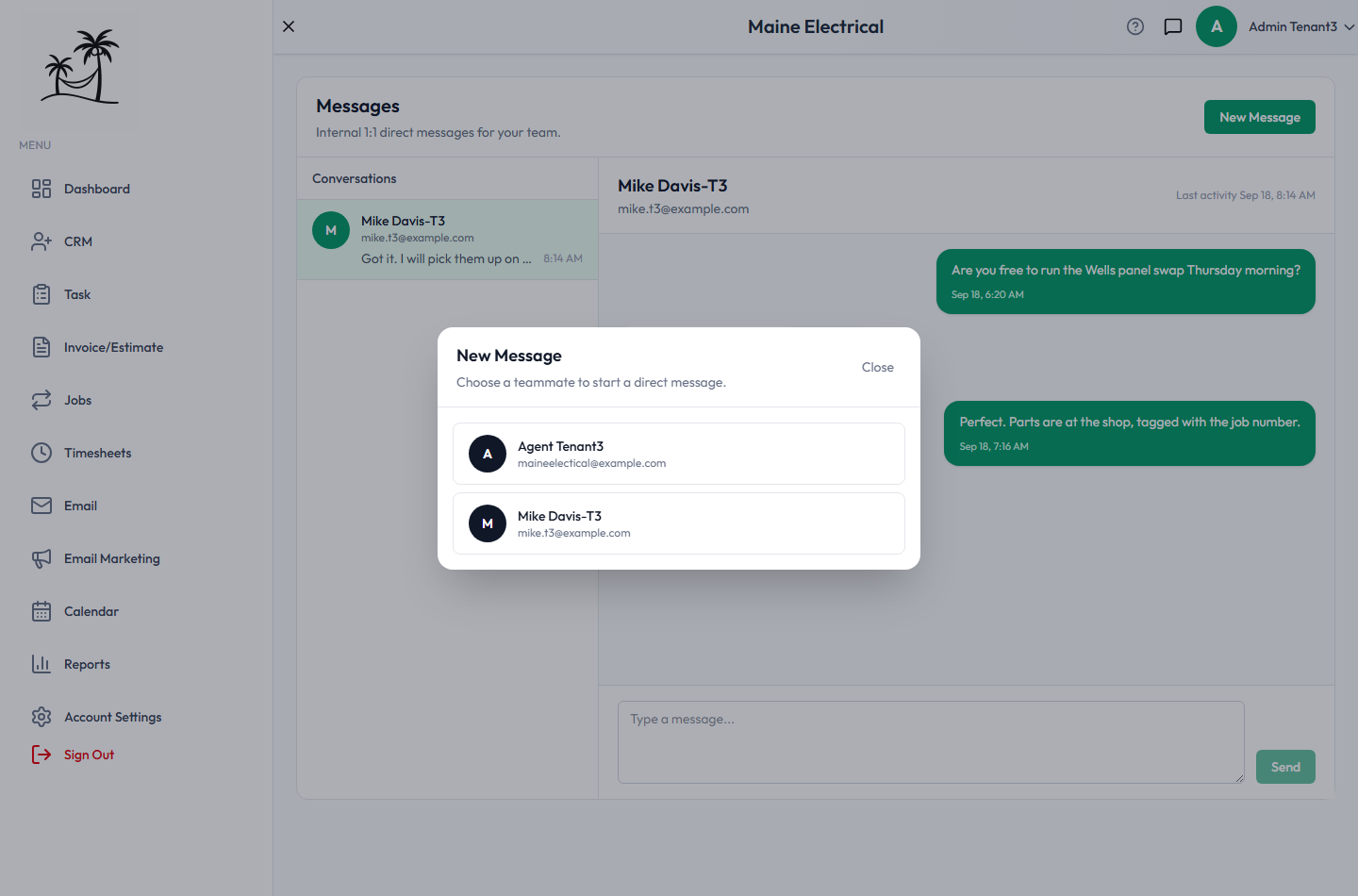
Everyone active on your account appears except you. Picking someone you already have a conversation with reopens it rather than starting a second thread. A deactivated account can't be messaged — see Managing Users & Roles.
The conversation list
The left panel lists every conversation you're part of, most recently active first, with the other person's name and email, a preview of the last message, its time, and an unread badge. It refreshes in the background about every ten seconds, so a new message appears without reloading the page.
Reading and sending
Click a conversation to open it. Your messages are on the right, theirs on the left, each with a timestamp, and the header shows who you're talking to and when they were last active. Opening a conversation marks it read. Type in the box at the bottom and click Send. While a conversation is open it checks for new messages every few seconds, so a back-and-forth keeps up.
The speech-bubble icon in the top bar carries an unread count from anywhere in the app.
What Messages doesn't do
- No group chats. Every conversation is strictly one-to-one.
- No attachments. Text only.
- Not attached to records. A message isn't linked to a lead, client, job or task, and won't show up in that record's history.
Tips
- Use Messages for coordination that doesn't need to be kept — "running late to the 2pm". Anything that matters later belongs on the record: a note on the lead, or a task on the job.
- With no group chat, news more than one person needs is better as a task or a note than as several separate conversations.
Related
- Inbox — email to customers
- Managing Users & Roles — who can be messaged
- Tasks — for anything that needs to be tracked